· Blog · 3 min read
Huion Kamvas Pro 19 Calibration: Real Measured Results
Huion Kamvas Pro 19 results with an X-Rite i1Display Pro: ΔE*76 average 1.07, 99.6% sRGB and 96% DCI-P3 coverage. From a real DisplayCAL report.
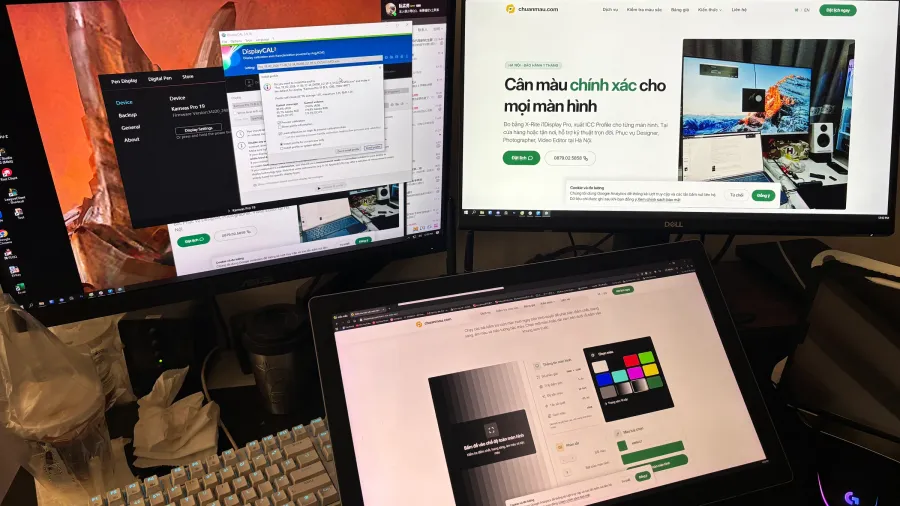
Huion advertises the Kamvas Pro 19 as covering close to 100% sRGB out of the box — but “covering a gamut” and “displaying accurate color” are two different claims. This post shares the actual measurement report from a Kamvas Pro 19 calibrated on November 6, 2026, so you can read the numbers yourself instead of taking a spec sheet’s word for it.
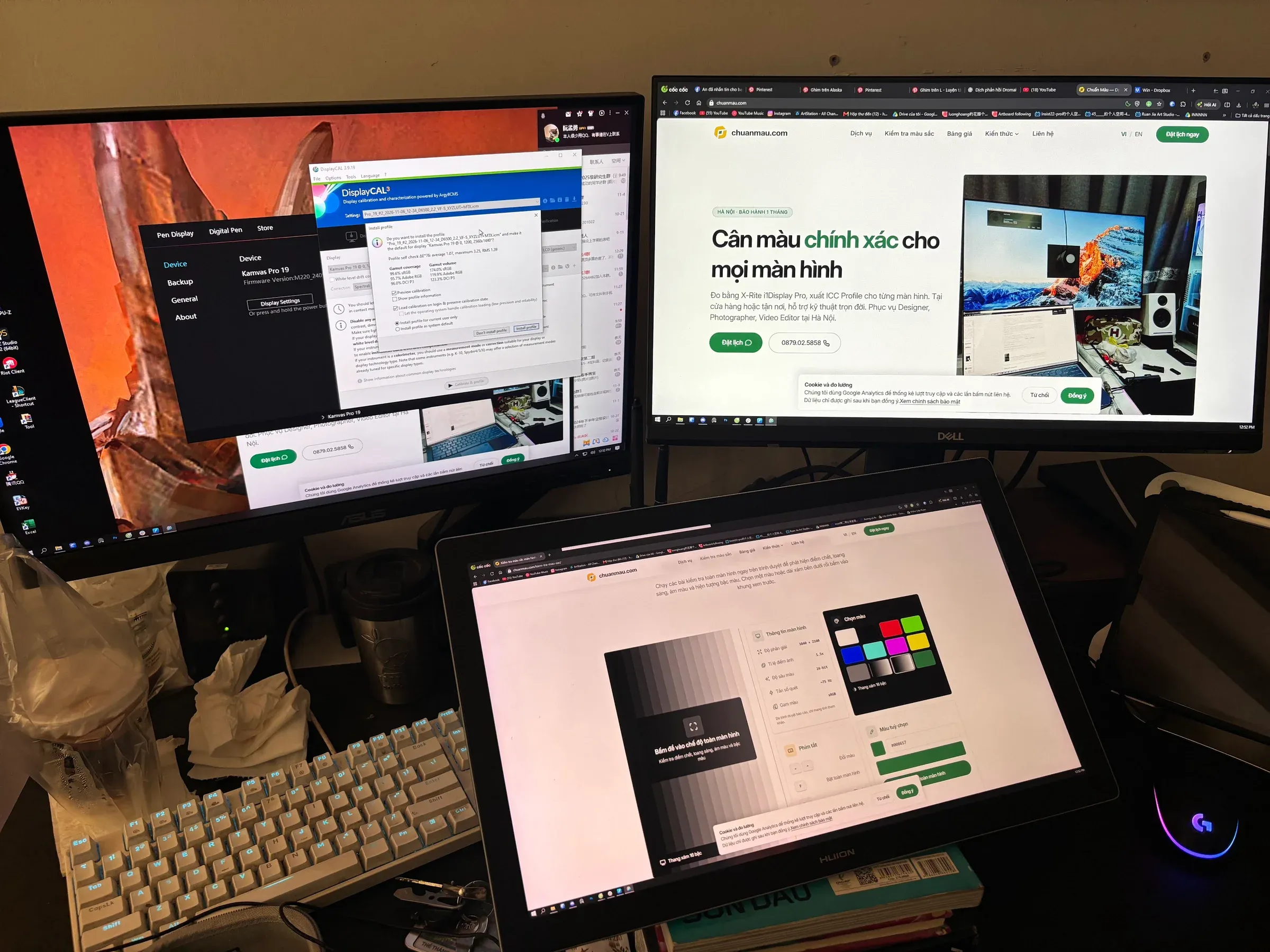
The device and how it was measured
- Device: Huion Kamvas Pro 19 (native resolution 4K UHD 3840x2160), running at 2560x1440 at measurement time — the OS setting at that moment, not the panel’s native spec.
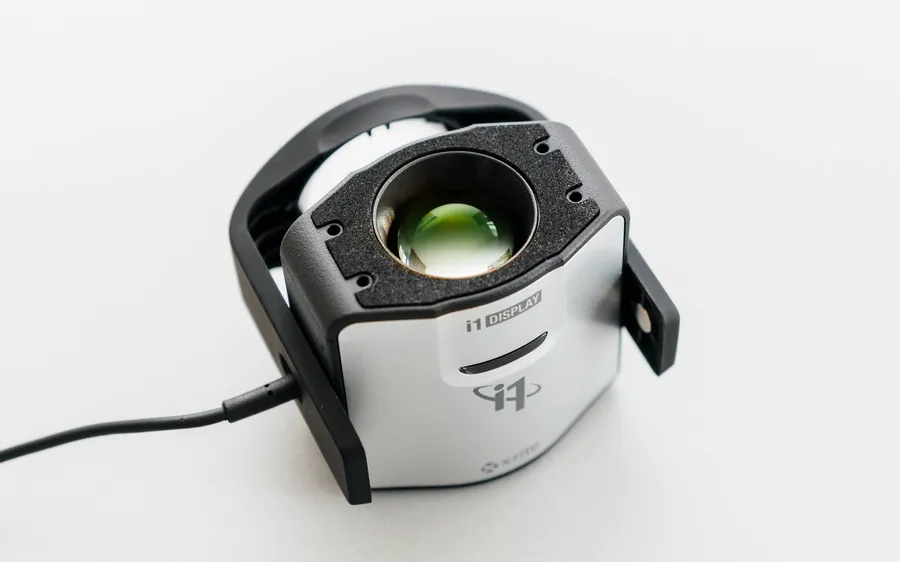
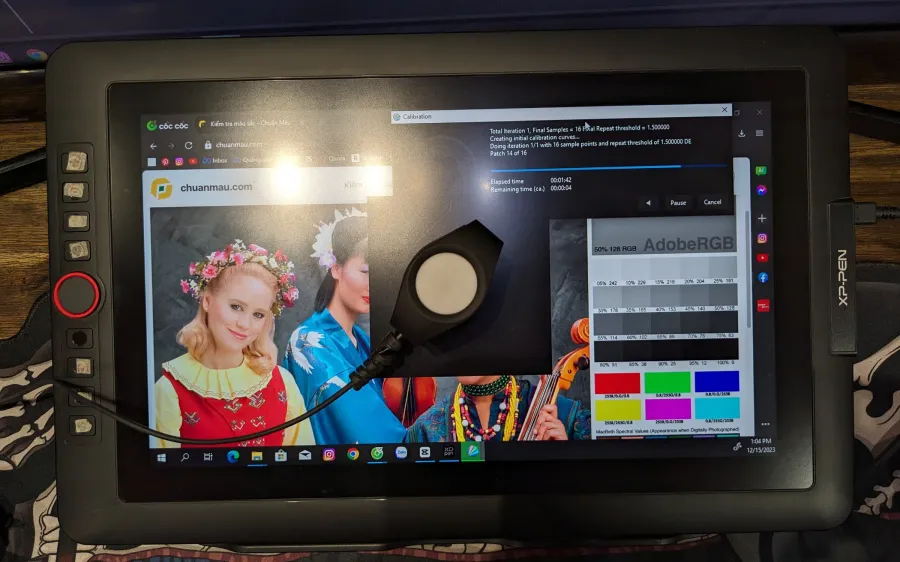
- Sensor: X-Rite i1Display Pro, run through DisplayCAL (an open-source profiling front-end built on the ArgyllCMS engine) — the same measurement standard as Chuẩn Màu’s regular monitor calibration workflow.
- Calibration target: D6500 white point, gamma 2.2.
- Verification: DisplayCAL’s own profile self-check reports ΔE*76, plus gamut coverage and volume against sRGB, Adobe RGB and DCI-P3.
Results
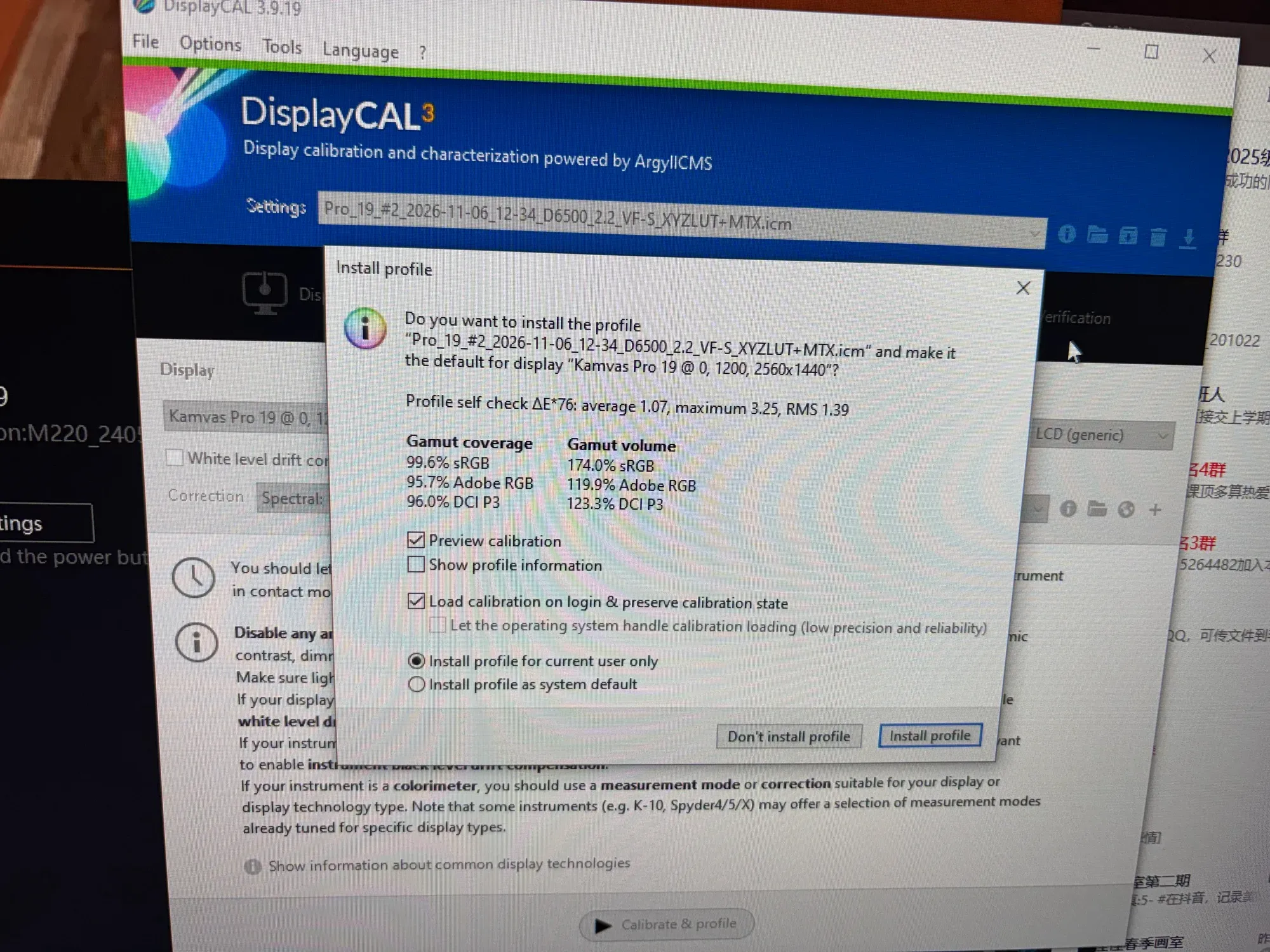
- ΔE*76 average: 1.07 — maximum 3.25, RMS 1.39.
- Gamut coverage: 99.6% sRGB · 95.7% Adobe RGB · 96.0% DCI-P3.
- Gamut volume: 174.0% sRGB · 119.9% Adobe RGB · 123.3% DCI-P3.
- Volume above 100% sRGB means the panel can physically reproduce a wider range of color than the sRGB standard calls for — consistent with the “wide gamut” spec Huion advertises for the Kamvas Pro line.
What is ΔE, and what counts as good?
ΔE measures how far a displayed color drifts from the reference — smaller is closer. For design work and digital painting, a ΔE under 2 is generally hard to spot by eye. This Kamvas Pro 19 averaged 1.07, with the single highest deviation (3.25) limited to a few individual measurement points, not enough to affect overall color perception during real work.
Not sure what ΔE or an ICC profile actually means? Read what is an ICC profile.
Double-check it yourself with our online tool
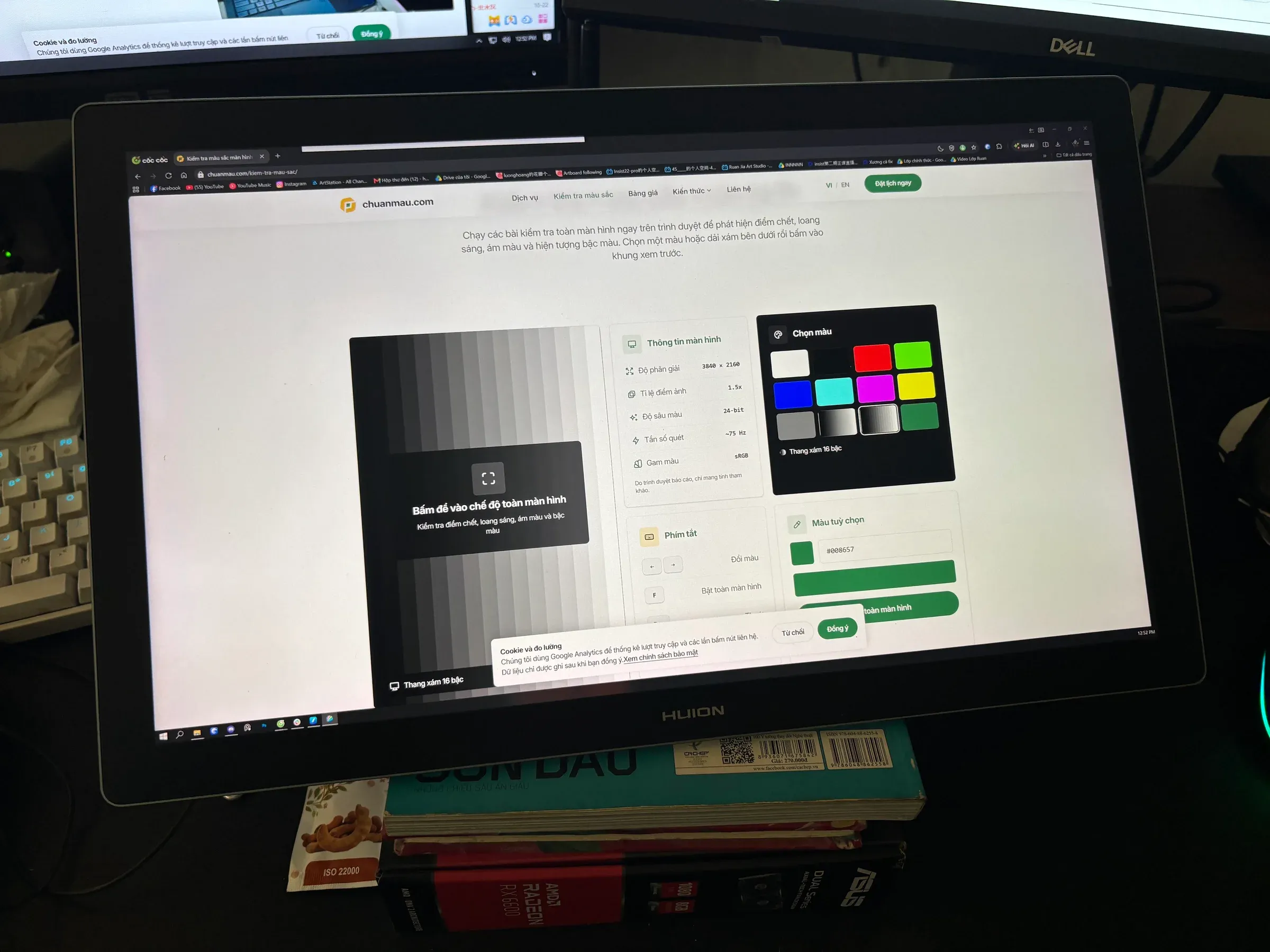
After installing the profile, run Chuẩn Màu’s online color test right in your browser to check that grayscale and basic colors render evenly with no tint — a fast sanity check before you get back to real work.
A few things to be clear about
- These numbers only hold for this specific Kamvas Pro 19 unit, under this specific lighting and at this specific measurement time. Even panels of the same model can drift slightly differently.
- Calibration corrects color accuracy — it doesn’t create gamut coverage beyond what the panel is physically capable of.
- Recalibrate every 6 months to a year, or after a lighting change, driver update, or OS reinstall.
- See pen display calibration: Wacom, Huion, XP-Pen for the signs you should calibrate and pen-display-specific gotchas.
What Chuẩn Màu does with your pen display
Same process as PC monitor calibration: book and get a quote, device assessment, measurement with professional equipment, ICC profile handed over with install instructions. About 15 minutes per device, one-month warranty, lifetime technical support.
- See pricing and services.
- Book via Zalo: 0879.02.5858.
- Current pricing: 150,000₫ for the first display at our shop, 200,000₫ on-site, 100,000₫ for each additional display.
Frequently asked questions
Does the Huion Kamvas Pro 19 need calibration? Worth it if you do color-critical work. The Kamvas Pro 19’s factory color is already decent (close to 100% sRGB coverage), but it still drifts from a D65/gamma 2.2 target until it’s measured and corrected for real.
Is a ΔE*76 average of 1.07 good? Yes. Under 2 is generally imperceptible to the naked eye in normal working conditions.
How long does calibrating a Huion pen display take? About 15 minutes, same as a regular monitor.