· Updated · Blog · 5 min read
Why Your Monitor Shows Wrong Colors (And the Fix)
Colors look right on your screen but wrong everywhere else — in print, on a client phone, on YouTube? That is a monitor color-shift problem. Here is why it happens and how professional calibration in Hanoi fixes it for good, with a 1-month warranty.
You spend hours getting a photo to look perfect on your screen, then send it to a client or take it to a print shop — and the color is completely different. You color-grade a video until it’s exactly right, then watch it on someone else’s TV or phone and it’s suddenly too warm or too cool. That’s not your eyes playing tricks on you. It’s the clearest sign your monitor has drifted out of color and needs to be calibrated.
Why Monitors Drift Out of Color in the First Place
Every panel — IPS, VA, or OLED — ships with some manufacturing tolerance in brightness, color temperature, and saturation. Even two units of the exact same model, from the same batch, can render the same file two different ways if neither has been profiled.
It only gets worse with age, because:
- Backlights degrade over time, gradually pushing white toward yellow or blue.
- Room temperature and ambient light shift how the panel physically behaves.
- Factory defaults are usually tuned for a showroom floor or casual viewing — not for color-critical creative work.
The result: your screen is quietly lying to you about what your files actually look like.
What an Uncalibrated Monitor Actually Costs You
For a casual user, color drift is a minor annoyance. If you work creatively, it costs real money and real credibility:
Designers: A logo, brochure, or packaging file looks perfect on screen — then comes back from print with the brand color visibly off from the Pantone the client already signed off on. A reprint can run into real money.
Photographers: Skin tones look warm and natural on your screen, then show up sallow or washed out the moment a client opens the file on their phone or takes it to print. The client complains, and you’re re-editing from scratch.
Video editors: A carefully graded scene renders out with the sky pushed too blue or skin tones looking unnatural once it hits YouTube. Viewers notice, and the platform’s own distribution suffers for it.
Content creators: Thumbnails, ad banners, social posts — if what you see on screen isn’t accurate, you’re editing blind without realizing it.
Why Calibration, Not Manual Adjustment
Plenty of people try to fix this by eye — nudging brightness/contrast sliders or the “Night light” warmth setting in Windows. It doesn’t work, because:
- Your eyes aren’t a measuring instrument. The brain automatically adapts perceived color to ambient light, which means you can’t actually judge how far off your screen really is.
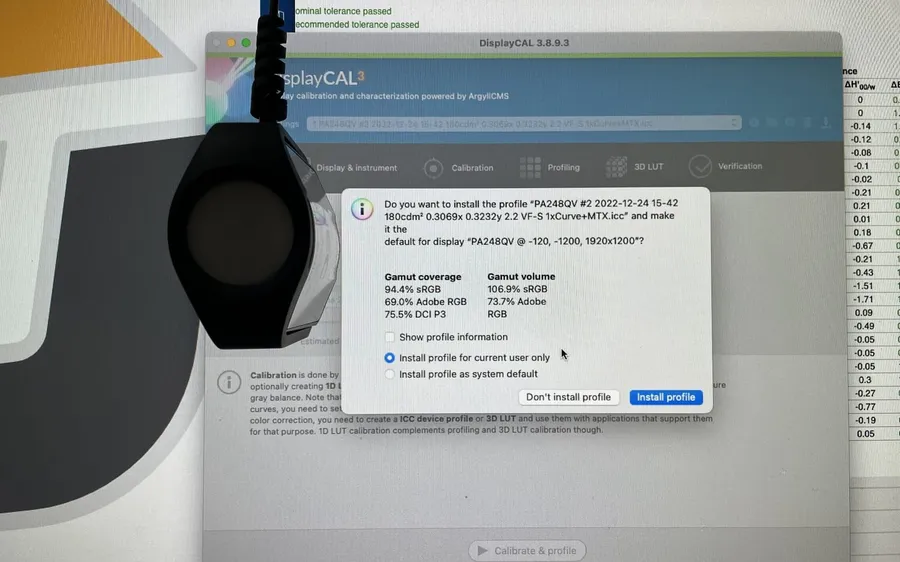
- Manual tweaks treat the symptom, not the cause. Dragging a “warmth” or gamma slider changes how the screen feels, but it doesn’t produce the accurate ICC profile that creative software (Photoshop, Lightroom, Premiere, Illustrator) needs to manage color correctly.
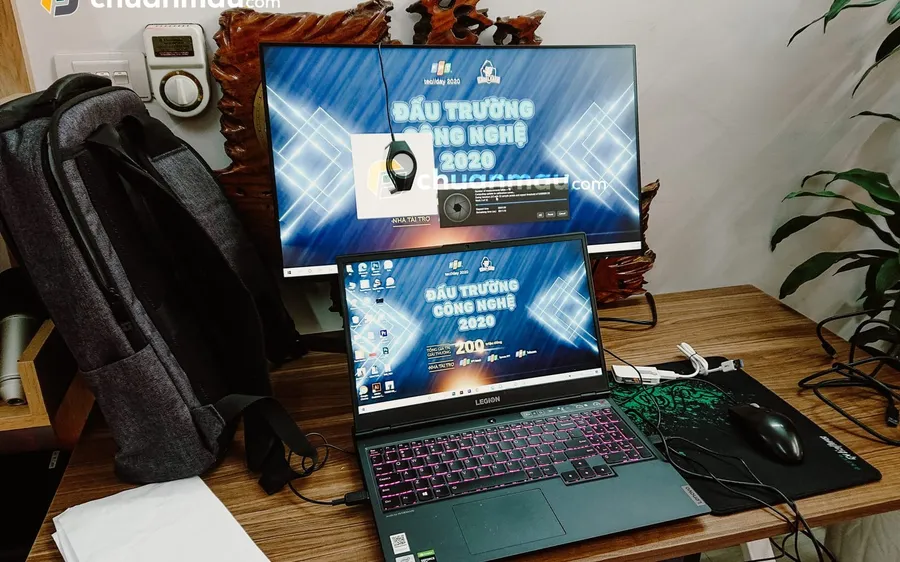
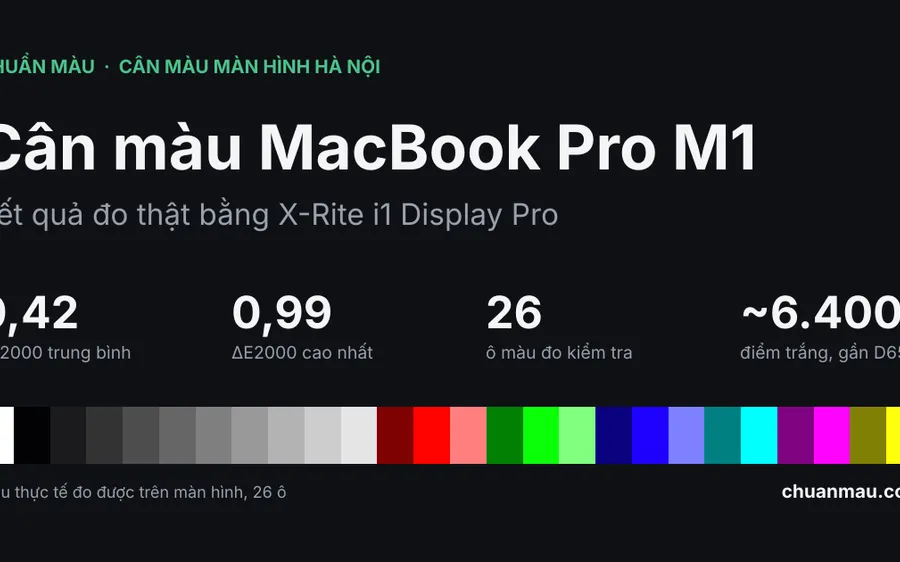
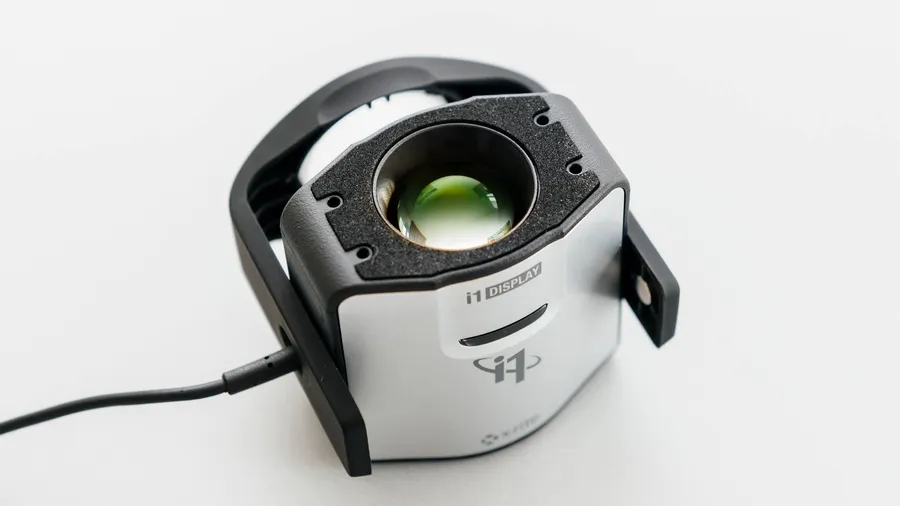
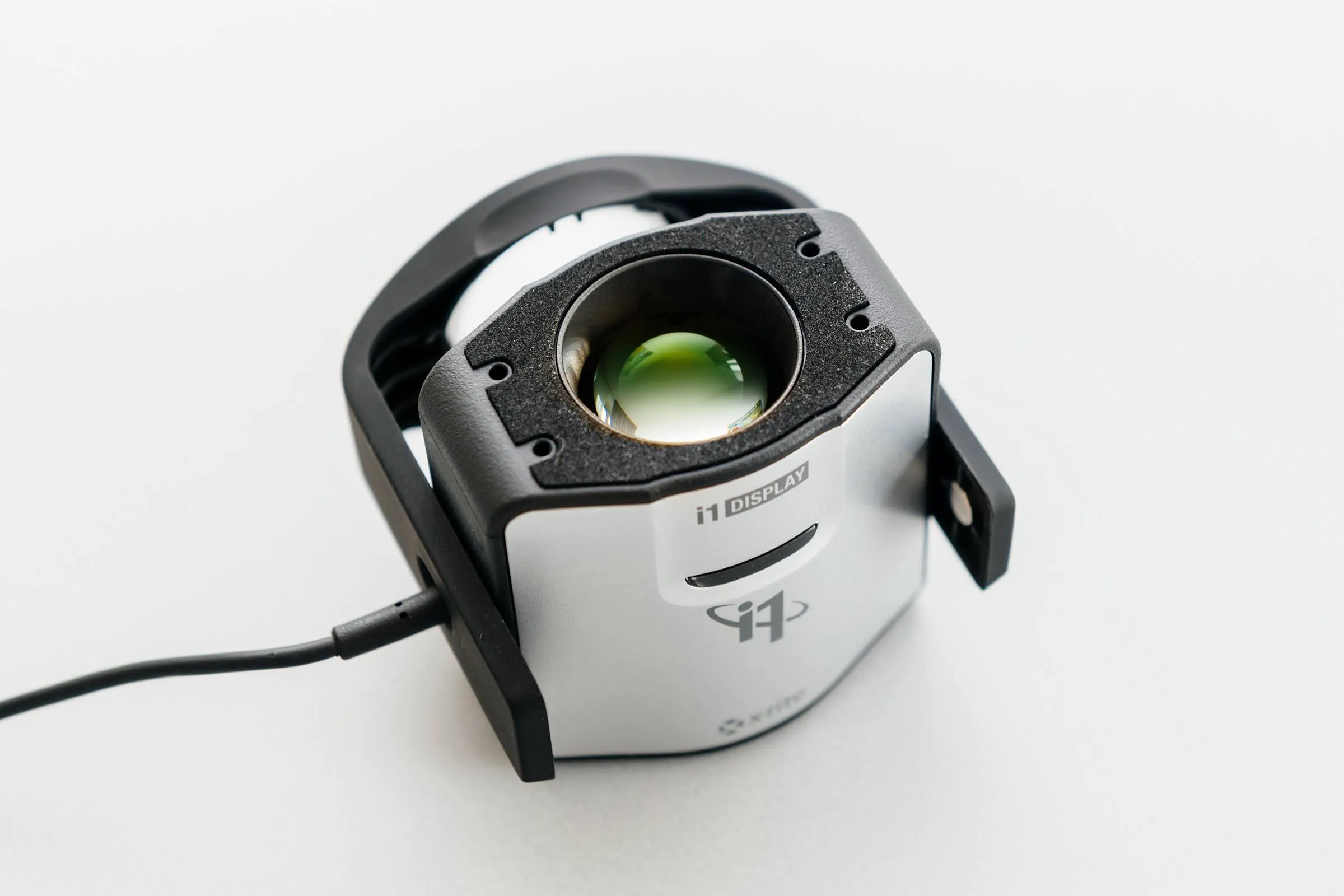
- There’s no real measurement behind it. Professional calibration uses a colorimeter or spectrophotometer to measure hundreds of color patches on the actual panel, producing an ICC profile that reflects how that specific screen really behaves.
Professional monitor calibration fixes all three problems with real measured data — not guesswork.
Who Actually Needs This
Monitor calibration isn’t just for big studios and agencies. Anyone in the groups below will notice the difference immediately after a single session:
- Designers working on print files, brand identity, and packaging
- Photographers shooting commercial, wedding, or product work
- Video editors and colorists working on film, commercials, or YouTube content
- Digital painters and illustrators working on a pen display (Wacom, Huion, XP-Pen)
- Content creators who need consistent color across multiple platforms
If you earn a living from what appears on your screen, that screen’s color accuracy is directly tied to the quality of what you deliver.
Monitor Calibration by Chuẩn Màu — Hanoi
Chuẩn Màu (chuanmau.com) is a professional monitor calibration service based in Hanoi, built specifically for people who need color accuracy: designers, photographers, video editors, and content creators.
What sets it apart:
- Professional colorimeter hardware — measured with dedicated equipment, not eyeballed or run through free software.
- A custom ICC profile per screen — the result is written as a profile specific to your exact panel, not a generic preset.
- Every kind of display supported — PC monitors, laptops, and pen displays (Wacom, Huion, XP-Pen), plus dedicated graphics monitors.
- 1-month warranty — if your screen develops a color issue within 1 month of calibration, Chuẩn Màu will check and recalibrate it.
The process:
- Book through chuanmau.com or contact directly.
- Bring your monitor, laptop, or pen display to the Hanoi location (or request an on-site visit).
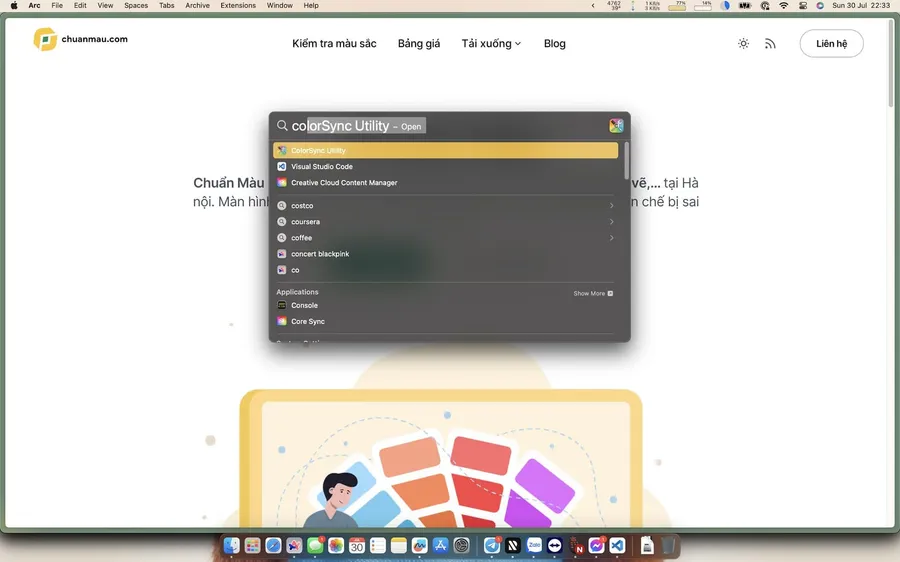
- A technician measures, calibrates, and installs the ICC profile.
- You review the before/after result yourself.
- You get a 1-month warranty.
If your computer has no major problems, each display takes about 15 minutes, setup included.
A Calibrated Screen Means Fewer Surprises
A properly calibrated monitor won’t make you edit faster — but it guarantees that what you see is what your client, your viewer, or the print shop will actually get. No more re-editing because the color didn’t match. No more second-guessing every file you hand off.
If your screen has never been calibrated — or it’s been a year or two since the last time — now’s a good time to get it checked.
Book monitor calibration in Hanoi today: chuanmau.com
1-month warranty. Professional measurement hardware. PC, laptop, and pen display support.
Not sure your screen is off? Run the online color test first to spot dead pixels, backlight bleed and color casts.