· Tutorials · 2 min read
Color Gamut Explained: sRGB, Adobe RGB and DCI-P3
What color gamut actually means, and how the three standard reference spaces — sRGB, Adobe RGB, and DCI-P3 — differ in what they can reproduce.
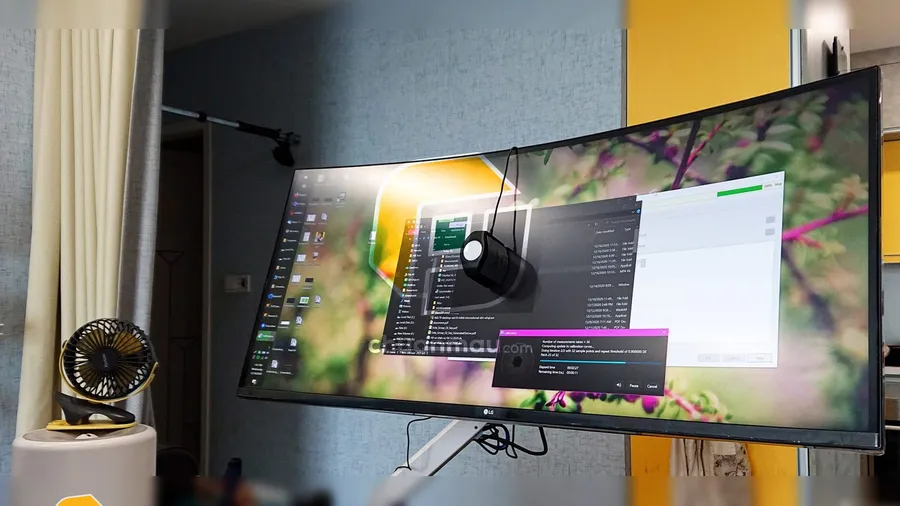
What Is Color Gamut?
Color gamut refers to a specific subset of colors that falls within the full range of colors visible in reality. It describes how much of that range a given device — a camera, a display, a printer — is actually capable of reproducing.
So what counts as a standard for color gamut? sRGB, DCI-P3, and Adobe RGB are the standard reference color spaces used across the industry. They give a common baseline for comparing how well typical devices — capture, display, and digital print — can reproduce color.
sRGB, Adobe RGB, and DCI-P3
sRGB — the traditional color standard
This is the color space standard defined by the International Electrotechnical Commission (IEC).
sRGB is the standard supported by ordinary software and hardware — Windows, consumer displays, printers, digital cameras. Using sRGB-compatible devices for both input and output keeps color variation between different devices to a minimum. Its trade-off is a relatively limited range of colors it can represent.
Adobe RGB — the standard for graphics and print
This standard was proposed by Adobe Systems. Its color space covers a wider range than sRGB, which lets it display more color detail — which is why it’s widely used in the printing industry. Producing accurate Adobe RGB images requires software that’s compatible with hardware such as monitors and printers that support the same space.
DCI-P3 — the cinema color standard
DCI-P3 was introduced by SMPTE in 2010 as the standard for the US film industry. Its gamut sits between sRGB and Adobe RGB — smaller than the latter, larger than the former. Displays built around this standard are commonly used for watching films and gaming, since it delivers a noticeably richer viewing experience.
These are the three most common standards behind what makes a display “color-accurate.” Hopefully this gives you a practical starting point for understanding monitors and the color standards used today.
Want to know which gamut your display reports (sRGB or Display P3)? The online color test shows it, as reported by your browser. Need the display to show it accurately? See the calibration service.